
How To Insert a Jira Issue Macro
To provide great documentation to your customers, you can insert Jira issue macros into your page content, which makes them more descriptive and appealing than just a plain link.

Before You Start
Prerequisites
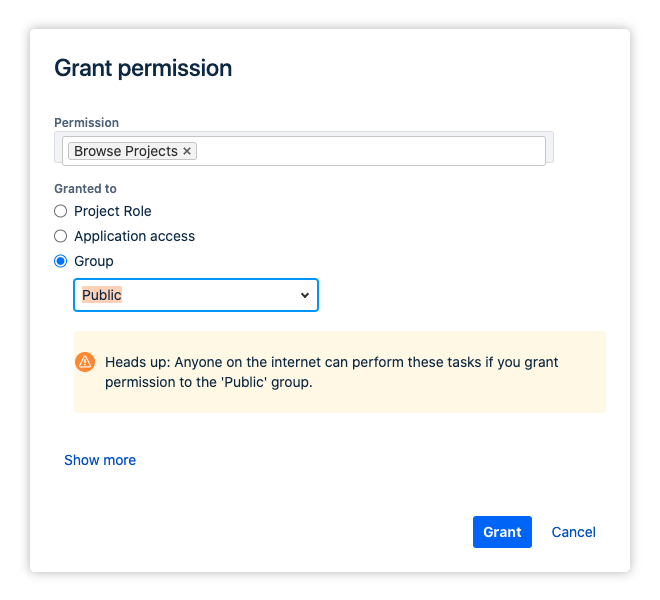
To have these you’ll need to create a classic (not a next-gen) Jira project which has its “Browse Project” permissions set to “Public“.
How to
In your Jira project, go to Project settings → Permissions.
Select Group and set the dropdown menu to Public
Copy an issue link from your project
Paste the link directly into the Confluence editor
Alternatively: Type
/Jiraand insert a JQL query into the issue field
Done! Your link will automatically turn the link into an enhanced link, showing the issue type, issue summary and issue status.

When you are using the new editor and have added a single Jira issue card - i.e. not a table -, the next time you edit the content the editor will change the macro to a link. This is a known bug in Confluence Cloud.